
Introduction
My cybersecurity adventure is still my number one priority, but since I think it would be foolish to ignore AI during this quest, I will take the occasional detour.
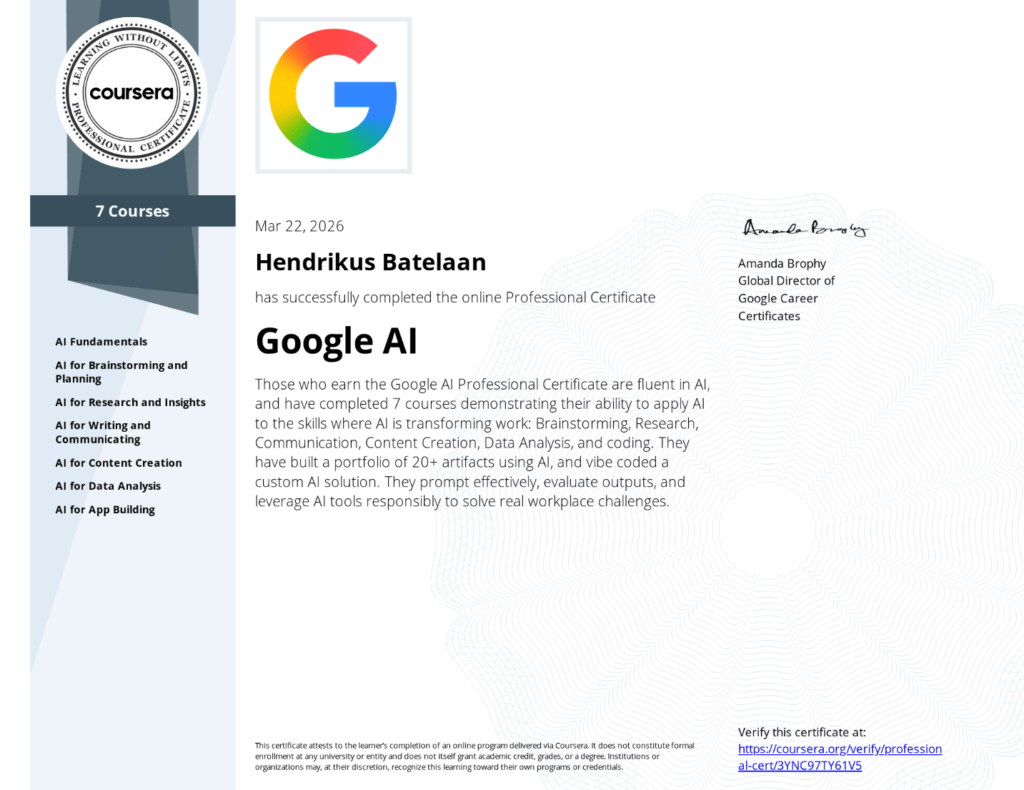
I recently worked through Google’s AI Professional course, which was recommended at a couple of places to be a must have. A nice, professional certification that you can tackle within a week or two. I was a bit disappointed by its contents, but this might be due to wrong expectations on my part. The course covers everything on how AI can be used, without the technical details. As a techie, this was a letdown.
For non technical people I would still recommend it though! Here’s what I took away.
What AI actually is
At its core, Artificial Intelligence (AI) is about building software that can reason, make recommendations, and generate new content based on patterns it learned from data. The key ingredient is the model, a program trained on massive datasets of text, images, video, and more.
Training is where it gets interesting. A model’s usefulness is directly tied to the quality and diversity of its training data. A spam filter trained only on certain types of emails will miss others. A fruit-sorting model trained only on red apples won’t recognize the green ones.
The most common training method is called Machine Learning (ML), and it comes in three flavors:
| Approach | How it works | Example |
|---|---|---|
| Supervised learning | Trained on labeled data to predict known outputs | Classifying images as “cat” or “dog” |
| Unsupervised learning | Finds patterns in unlabeled data | Grouping customers by purchase behavior |
| Reinforcement learning | Learns through trial and error with rewards | Game-playing AI that improves each round |
Modern AI systems, including Large Language Models (LLMs) like Gemini or Claude, blend all three approaches to generate text, images, and more.
Limitations
The course was refreshingly honest about where AI falls flat. These are the ones worth keeping front of mind.

- Bias. Models inherit biases baked into their training data. If the data is skewed, the output will be too
- Knowledge cutoff. A model’s internal knowledge has a hard stop date. It doesn’t automatically know what happened last week
- Drift. Over time, model accuracy and behavior can degrade as the world changes or as the model itself gets updated
- Hallucinations. AI can generate confident-sounding nonsense. It doesn’t “know” things the way humans do; it predicts what text should come next
The practical fix for most of these is the same: stay in the loop, verify outputs, and don’t treat AI as a source of truth.
Prompting
The course spent a solid chunk of time on prompting, and the framework they teach is solid. Every good prompt has four components:
- Persona. Who should the AI be? (“You are a senior marketing strategist”)
- Task. What do you actually want?
- Format. How should the output look? (Table, bullet list, one paragraph, etc.)
- Context. What does the AI need to know to do this well?
Stack those together and you get results that are dramatically better than “write me an email about the project.”
For more complex work, prompt chaining is the move. Instead of one giant prompt, you break the task into a sequence where each output feeds the next. The course uses a travel itinerary as an example: first ask for attraction recommendations, then turn those into a day-by-day plan, then add restaurant suggestions per day. The same pattern applies to anything with multiple steps.
A few phrases worth keeping in your toolkit:
- “Think step-by-step”
- “Give me three versions”
- “Critique this from a customer’s perspective”
- “Elaborate on point 2”
AI agents
This was the part that felt most forward-looking. AI agents aren’t just chatbots. They’re models connected to tools like your calendar, email, or CRM, given a broad goal, and allowed to break that goal into steps and act on your behalf.
The flow looks like this:
- Analyze. The model decides the first step
- Act. The agent performs it within the permissions you’ve granted
- Observe. It checks the result, then repeats until the goal is done
The key word there is permissions. You decide what the agent can access. A sensible rule of thumb from the course: assess risk and reversibility before handing something off. Drafting an internal memo? Low risk, easily undone. Making a purchase or posting publicly? Keep a human in the loop.

Practical stuff
A few tools and workflows the course covered that are worth knowing about (Google centered, since it’s a Google course).
NotebookLM
Upload a mix of documents, PDFs, links, and audio. Then query all of it in plain language and get answers with citations back to the source. Useful for research-heavy work or keeping a team aligned on a shared knowledge base. Critically: it only answers from what you give it, which dramatically reduces hallucinations.
Gemini Deep Research
Point it at a complex question, it builds a research plan, searches across sources, and returns a structured report. Good for market research, competitive analysis, or anything where you’d normally spend hours browsing tabs.
Google AI Studio
Describe an app in plain English and the AI generates working code. The course walked through building a pros-and-cons decision tool, a brand image generator, and an interactive data dashboard. No prior coding required, though knowing enough to review the output helps.
Google Sheets
The =AI() function lets you run prompts directly on cell data. Useful for things like sentiment classification on customer reviews or extracting structured data from unstructured text.
Responsible AI
The course wraps everything in a framework called ACT:
- Ask. Before you use AI, is this the right task for it? Does it involve sensitive data?
- Check. Verify outputs for accuracy, bias, and appropriateness before acting on them
- Tell. Be transparent about AI involvement, following your organisation’s guidelines
Nothing groundbreaking, but it’s a useful habit loop. The underlying message is consistent throughout the course: AI is a powerful tool, but you are still accountable for what comes out of it.
Bottom line
The course is practical without being shallow (although not technical, as stated before). The big ideas that held up across every module were:
- The quality of your output is directly tied to the quality of your input, whether that’s training data or your prompt
- AI doesn’t understand, it predicts. That distinction matters when you’re deciding how much to trust it
- The human-in-the-loop isn’t a limitation, it’s essential and mandatory
If you work with any AI tools regularly and haven’t thought much about how they actually work, this course is a solid few hours. It won’t make you an AI researcher, but it’ll make you a more deliberate user.
Next
Since I left the course a bit unsatisfied, I’ll dive into more technical depth on my own, and make a post about it next week.