Introduction
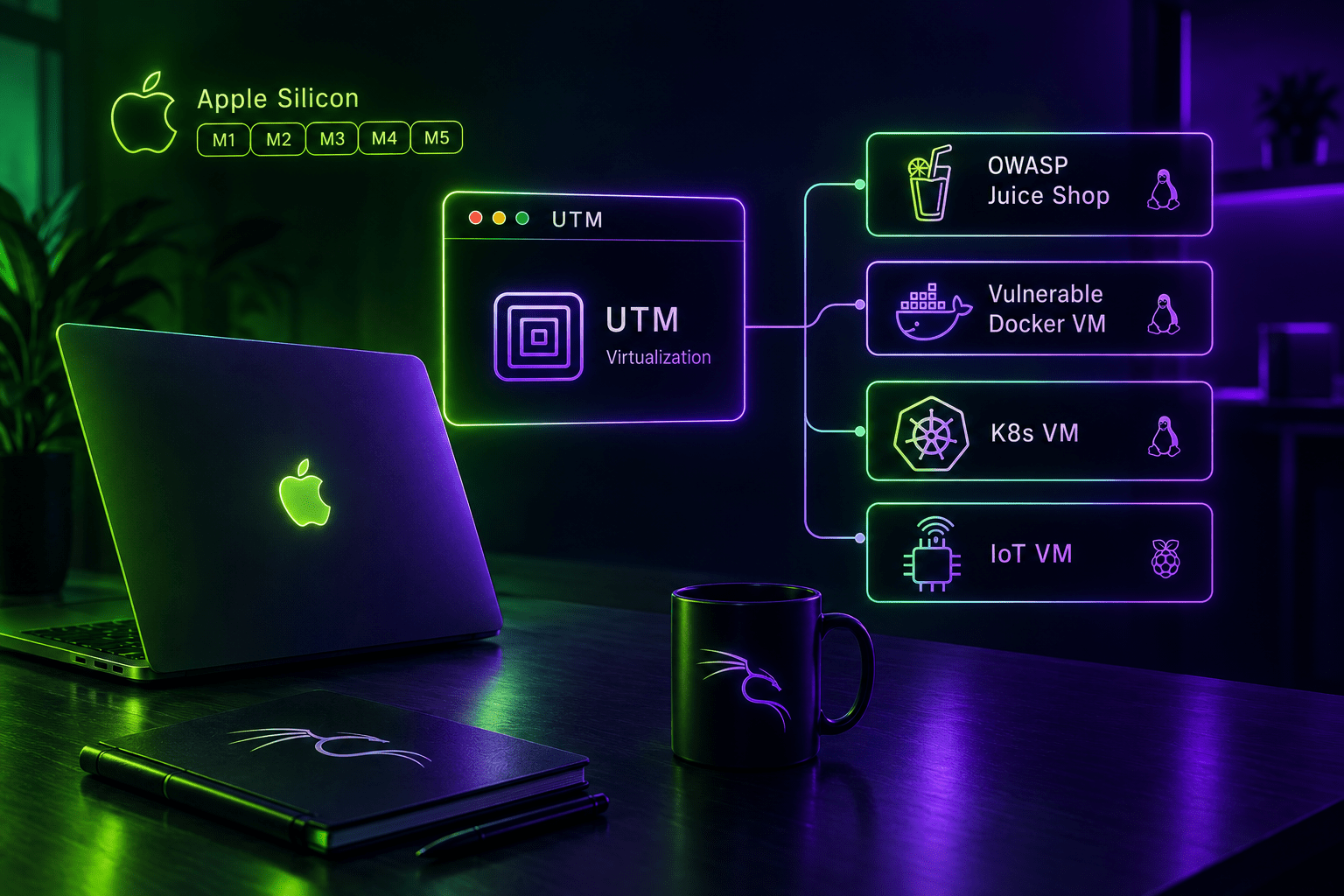
Eight or nine weeks ago I built the red team lab on my Mac: one make up, a Kali attacker, two targets, an isolated 10.10.10.0/24. It worked, and then it did what every working lab does: it grew. This post is the catch-up. Same repo, same one command, five targets instead of two, and a small fleet policy that stops my MacBook from sounding like a jet engine.
New targets
The fleet went from two targets to five, each a different flavour of bad decision:
| Target | What runs on it | What it trains |
|---|---|---|
vuln-web | OWASP Juice Shop | Classic web app attacks |
vuln-net | Weak SSH, FTP, Samba | Enumeration, credential attacks, privesc |
vuln-docker | WebGoat, WebWolf, crAPI, MailHog | Guided lessons plus free-form API attacks |
vuln-k8s | Single-node k3s | Cluster attack paths, node escape |
vuln-iot | Anonymous Mosquitto MQTT with fake devices | IoT protocol abuse |
Below a few of these in more detail (SPOILERS!).
Net box
The vuln-net box used to be “weak services and hope”; it now has three planted privilege escalation breadcrumbs, so the box now has a real story instead of ending at a shell. Getting weak SSH onto an Ubuntu cloud image took one sneaky trick: cloud-init writes PasswordAuthentication no into /etc/ssh/sshd_config.d/50-cloud-init.conf, and my yes has to win. SSH honors the first match it finds, so the Ansible role drops 00-lab-weak.conf into the same directory; it sorts before the cloud-init file and takes precedence. FTP is vsftpd with anonymous_enable=YES, Samba a guest-accessible share, and the whole thing is five small config stanzas plus the breadcrumbs.
Docker box
The Docker host runs WebGoat for structured learning and crAPI as its free-form counterpart. crAPI ships as a Compose stack of a dozen microservices; the interesting wiring decision was pointing its SMTP at MailHog, so the verification mail every user receives lands in a web UI at :8025 that anyone in the lab can read. Several of the API Top 10 lessons start exactly there.

Kubernetes box
The k3s target is my favorite. A default single-node k3s install is reasonably locked down, so the role plants a chain of cluster-level mistakes that starts with file permissions on the node and ends with the node’s root filesystem. Working out the middle steps is the exercise, and it maps cleanly onto what kube-hunter reports.
This box for me is the most likely candidate to expand upon, since I’m working with Kubernetes on a daily basis.
IoT box
And the MQTT target: a Mosquitto broker with allow_anonymous true and no ACL file, meaning the broker authenticates nobody and authorizes nobody. Two systemd services simulate devices, a gateway and a smart lock, publishing JSON to a topic tree. Real smart home gear ships in roughly this state; the target just makes it legible.
Targets default to off
With six VMs, the next problem was resources. Booting everything means roughly 24 GB of RAM dedicated to machines I’m not touching right now, and the Mac fans have opinions about that. So every fleet entry now requires an explicit state=on or state=off, and all targets ship off:
LAB_VMS=(
  "attacker:attacker cpu=4 ram=4096 disk=60 state=on"
  "vuln-web:vuln-web state=off"
  "vuln-net:vuln-net state=off"
  ...
)
make up boots only what’s on, stops anything running that shouldn’t be, and drops the off VMs from the Ansible inventory. The clever bit is what stays: an off VM keeps its slot. Its lab IP and SSH port remain reserved, so turning vuln-k8s on later never shifts anyone else’s address. make status marks them (off), and flipping one target on is a config edit plus make up.
A make up against an existing fleet also reconciles it now. CPU and RAM changes go through UTM‘s update configuration on a stopped VM, and disks grow via qemu-img resize when the value really changed; UTM imports each disk into its own bundle at creation, so growth happens in the staging copy before import. Shrinking is refused, because no filesystem thanks you for that.
Spoilers are opt-in
The documentation grew a split personality problem. The README listed every planted weakness in detail, which is handy on day ten and ruinous on day one; a reader who glanced at “What you get” had the entire answer key before running a single scan. Meanwhile the attacking guide mixed genuinely useful operator notes (which ports to expect, how to tunnel WebGoat to my Mac, where MailHog is) with full solutions.
So the docs now have a spoiler policy. docs/attacking.md and the README describe each target and how to work it without revealing the planted weaknesses; a new docs/walkthrough.md holds the actual solutions, clearly marked, for when you’re stuck or want to compare your path against mine. You get the nmap expectations either way, because a five-minute scan tells you that anyway; the difference is that the doc no longer tells you the smart lock’s command topic before you’ve even watched the traffic.

Smaller changes
- Juice Shop bumped to v20.2.0 and the Ubuntu targets to 26.04
- The Metasploit database is initialized on the attacker, so
db_nmapandhostswork out of the box - A documentation trim pass: shorter extending guide, fewer comments explaining the obvious
Wrapping up
The lab is drifting from “two boxes to poke at” towards a small range with distinct difficulty levels: start on WebGoat’s guided lessons, graduate to Juice Shop and the weak services box, then take on the cluster and the devices. Everything still builds with one command, which was the whole point of the exercise.
Of course you can read the code and the docs here.
Next
Two directions on the backlog. A detection layer, probably Wazuh, so the lab shows both sides of an intrusion; and a second subnet with a pivot host, because single-segment labs stop teaching networking the moment you get comfortable.